
Smart home technology has transformed how we live, and smart blinds are one of the most practical upgrades you can make. After installing hundreds of smart blinds over the last four years, we’ve seen first-hand how Alexa controlled blinds make everyday life easier, more comfortable, and more energy efficient.
In this guide, we’ll walk you through everything you need to know. From installation to voice control, with real advice based on our experience installing blinds in both residential and commercial properties.
Smart blinds are motorised window coverings that can be controlled using a remote, smartphone app, or voice assistant like Alexa.
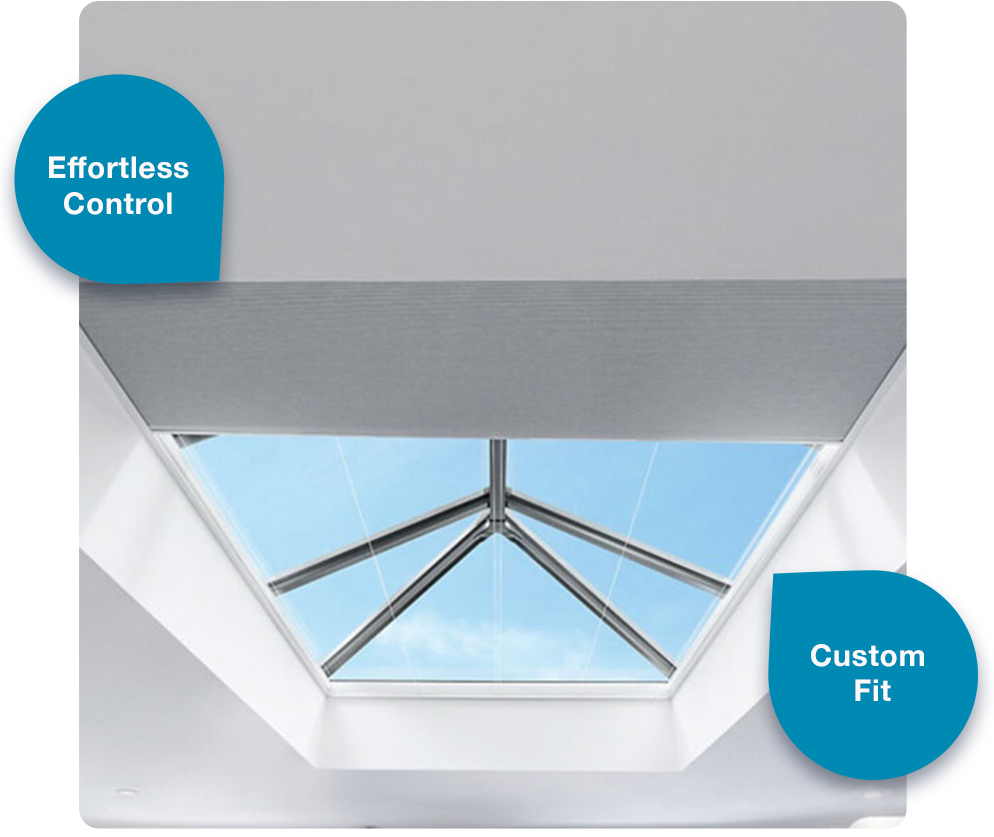
Instead of manually opening or closing blinds — especially those positioned behind furniture or high up in lantern roofs — you can operate them instantly with a simple command.
One common myth we hear is that smart blinds are complicated for older family members or visitors. In reality, they are extremely easy to use because they can always be controlled with a standard handheld remote as well as voice control.
Alexa-controlled blinds allow you to:
Open and close blinds using your voice
Control individual rooms or all blinds at once
Set scenes like “Good Morning” or “Movie Mode”
Schedule opening and closing times automatically
Manage light and privacy without touching a control
Popular examples from our customers include:
“Alexa, close the living room blinds.”
“Alexa, open all blinds.”
“Alexa, turn on Good Morning scene.”
Many clients also create fun custom scenes like movie mode (which darkens the room instantly) or even a romance scene for ambient lighting.
The physical installation itself is usually straightforward when handled by a professional installer. At Smart View Blinds, we install everything from start to finish, ensuring motors, hubs and controls are all working together correctly.
We mainly install Somfy motorised systems, often powered by battery motors with solar charging, which removes the need for wiring and keeps the installation clean and simple.
Particularly popular applications include:
Once installed, setup and connection typically takes around 10 minutes.
Here’s the simplified setup process we recommend (based on real-world installations):
Confirm your Somfy blinds are Alexa compatible.
Download the Somfy app (such as MyLink) and create your account.
Connect the hub to your Wi-Fi and pair your blinds via the app.
Open the Alexa app and enable the Somfy skill.
Ask Alexa to “discover devices.”
Test commands to ensure everything responds correctly.
Make sure your phone and hub are on the same Wi-Fi network during setup.
Ensure your app is updated before pairing.
Avoid placing blinds too far away from the hub.
If setup feels difficult, we always recommend getting professional help, but generally it’s a smooth process.
Most of our installations use a Somfy TaHoma Gateway.
These hubs allow Alexa to communicate with your blinds and unlock advanced automation features. They also make it easy to expand your smart home setup over time.
Voice control becomes second nature very quickly. We recommend naming blinds by room during setup so commands feel natural.
Examples include:
“Alexa, open the kitchen blinds.”
“Alexa, close upstairs blinds.”
“Alexa, open all blinds.”
Naming by room is especially useful when you want to adjust windows on one side of the house where the sun is shining.
Scheduling is one of the most popular features we install for clients.
Common routines include:
Morning open routines
Sunset closing routines
Heat-control schedules during warm weather
In real life, schedules work particularly well during the week. For example, when households follow regular school or work routines. The blinds simply adjust automatically without anyone needing to think about it.
Remote control is surprisingly useful.
Many customers use it when:
They’re at work and want pets to stay cool and calm
They want to adjust light levels remotely
They’re away on holiday
Opening and closing blinds remotely also makes the home look occupied, which helps discourage burglars, a benefit many homeowners don’t realise until they start using it.
Alexa makes shared access simple. Once the blinds are connected:
Anyone with access to your Alexa devices can control them with voice commands.
Households can use Alexa Household Profiles or shared app access so multiple family members can control blinds easily.
Guests or older relatives can still use the remote control if they prefer.
In practice, we find most families quickly adapt because voice control is so intuitive… no learning curve required.
Room-based control is one of the biggest advantages of smart blinds.
You can group blinds by room or area, for example:
Living Room
Kitchen
Upstairs Bedrooms
South-facing windows
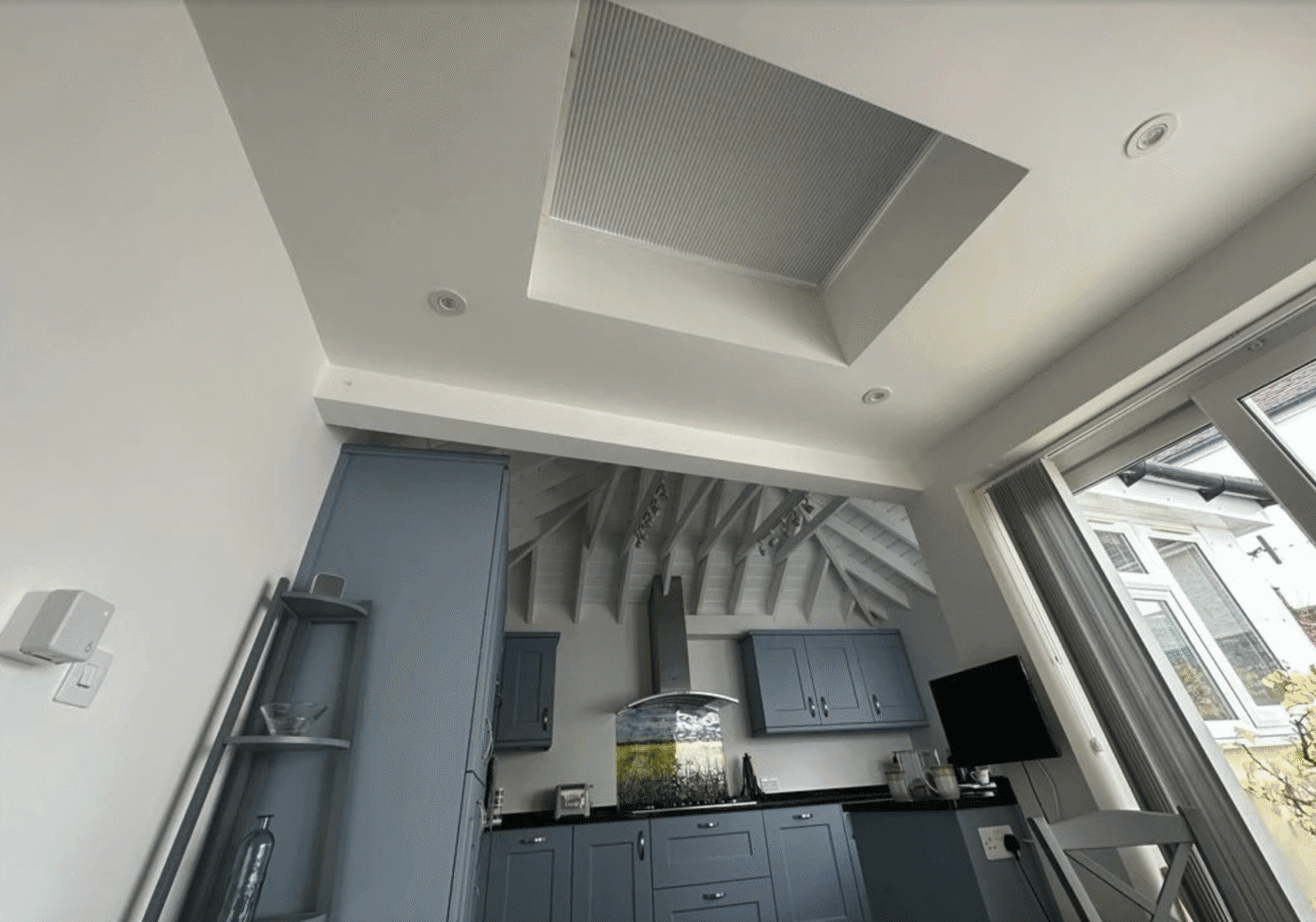
This is particularly useful for lantern blinds, which are often out of reach and receive strong sunlight during summer. Being able to control these instantly with voice commands makes a huge difference to comfort.
While Alexa doesn’t directly measure sunlight, you can automate blinds using schedules or integrations with smart sensors.
In our experience:
Simple schedules are usually enough for most homes.
Sunlight automation works well in rooms that heat up quickly.
Lantern roofs and south-facing glazing benefit the most.
A good example is setting blinds to close automatically during the hottest part of the day – helping maintain a cooler indoor temperature.
One of the best ways to understand the impact of Alexa-controlled blinds is through real customer feedback. After completing a recent installation, a client shared this 5-star Google review describing how smart blinds improved their everyday living:
“Smart blinds offer convenience and energy efficiency. With app or voice control, you can easily adjust light levels and privacy. Automated scheduling enhances home security by giving the illusion of occupancy. While installation might be a bit technical, the benefits of enhanced comfort and reduced energy bills make smart blinds a worthwhile investment. Thank you guys much appreciated for your work.”
Craig Calver
This perfectly reflects what we see with many customers:
While the technology behind smart blinds can seem technical at first, professional installation and setup ensure everything runs smoothly from day one — and the long-term benefits quickly outweigh the initial setup.
After installing smart blinds in hundreds of homes, we’ve found that the biggest benefit isn’t just technology — it’s convenience.
People quickly move from “this is a cool gadget” to “I can’t imagine not having this.”
And importantly, they’re not complicated. Whether you use Alexa, the app, or a simple remote, there’s an option for everyone.